




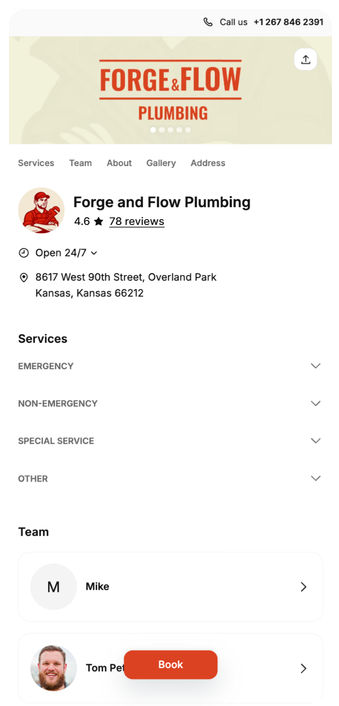







WEBSITE BOOKING WIDGET
Add a Book Now button to your website, and homeowners can schedule the job the moment they're ready.
GET BOOKED ON YOUR WEBSITE
A Book Now button on your website gives every visitor a way to book. Customers can pick a service, choose a time, and pay.
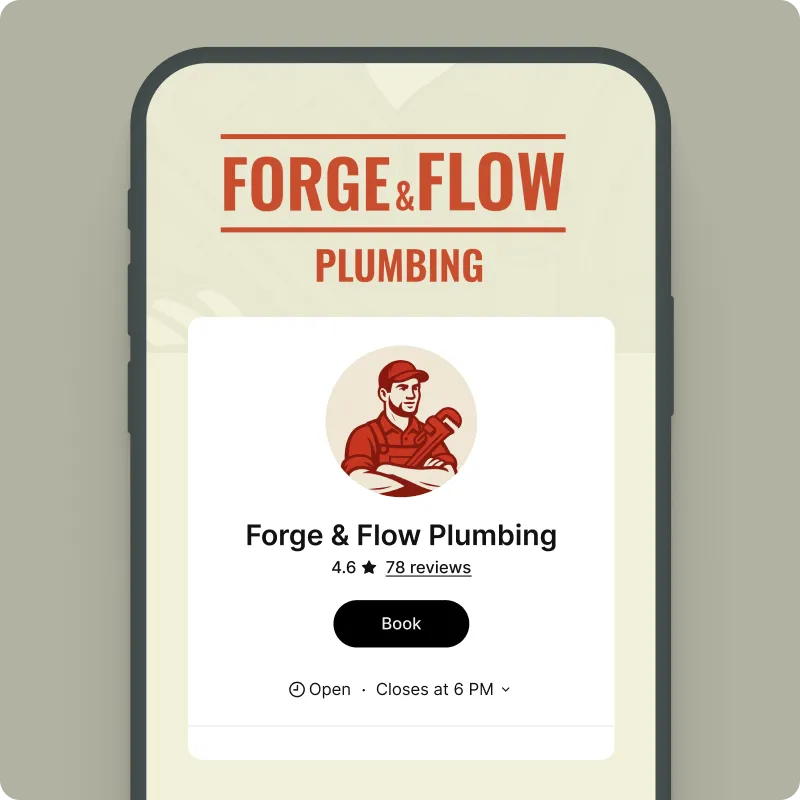
NO DEVELOPER NEEDED
Copy the code, paste it into your site, and you're live. Your free branded Booking Page can easily be added to your website, socials and Google Business Profile.

Start FREE

Build your Booking Page

Add it to your website

KEEP SERVICE HUMAN
Home service software got bloated, impersonal, and overpriced. So we built our own, and made it free. Plus, when you need help, you'll always talk to a real person.
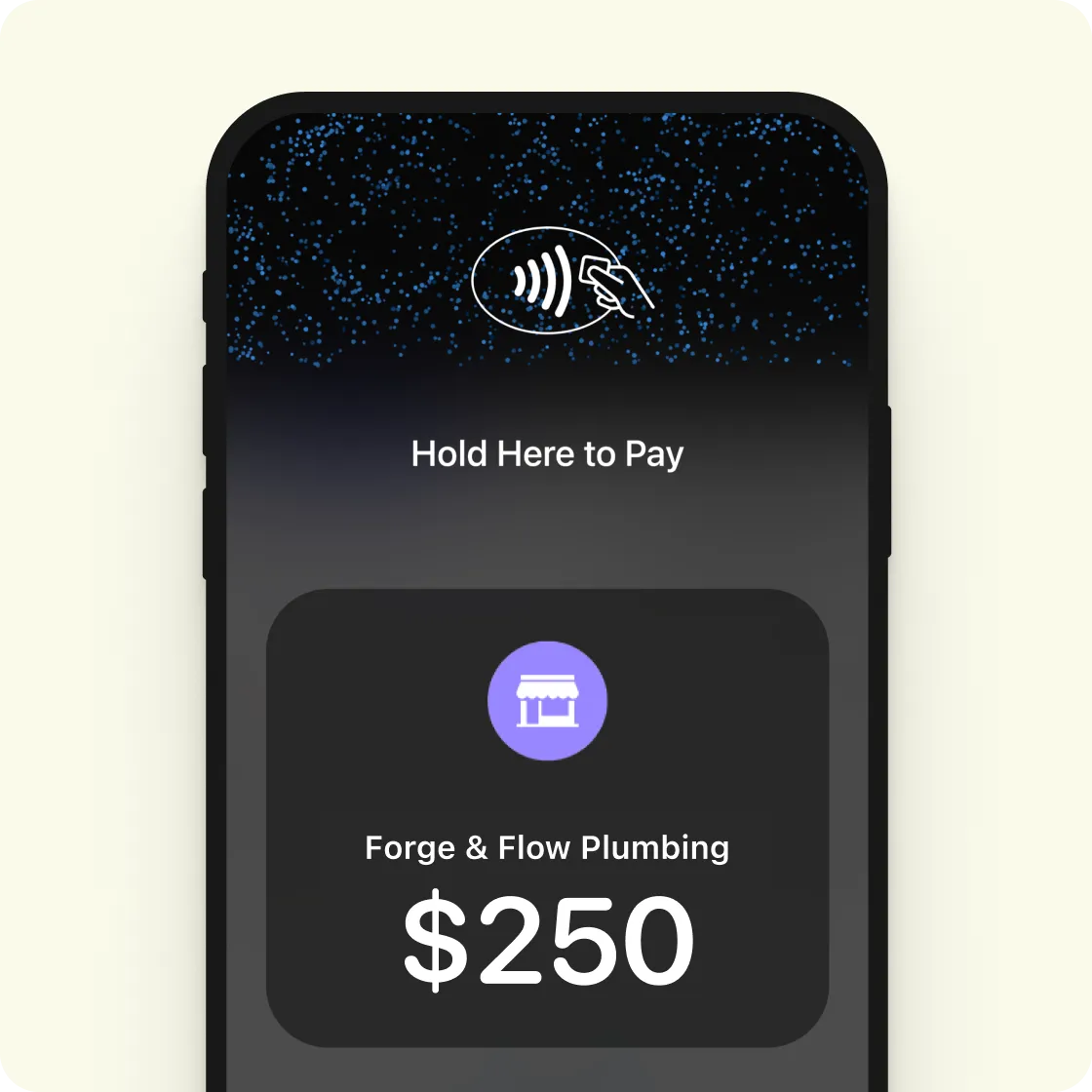
GET PAID FASTER
ServiceForge works with Stripe to take secure online payments directly from your Booking Page.
INDUSTRIES

HVAC
Customers can book emergency jobs and tune-ups directly from your site.

ROOFING
Inspection, tarp, or repair? Get estimates and jobs confirmed.

RESTORATION
All-in-one restoration business solution on your website.

HOME SERVICES
Book like a pro with tools made for your trade.

PLUMBING
Keep your calendar full year-round.

ELECTRICAL
Get paid faster - customers can pay directly from your Booking Page.
ADD TO YOUR WEBSITE
Your Book Now button works with WordPress, Wix, Squarespace, Shopify, Weebly, Drupal, Joomla, and more. Need help? We have a team of real people to help 24/7.
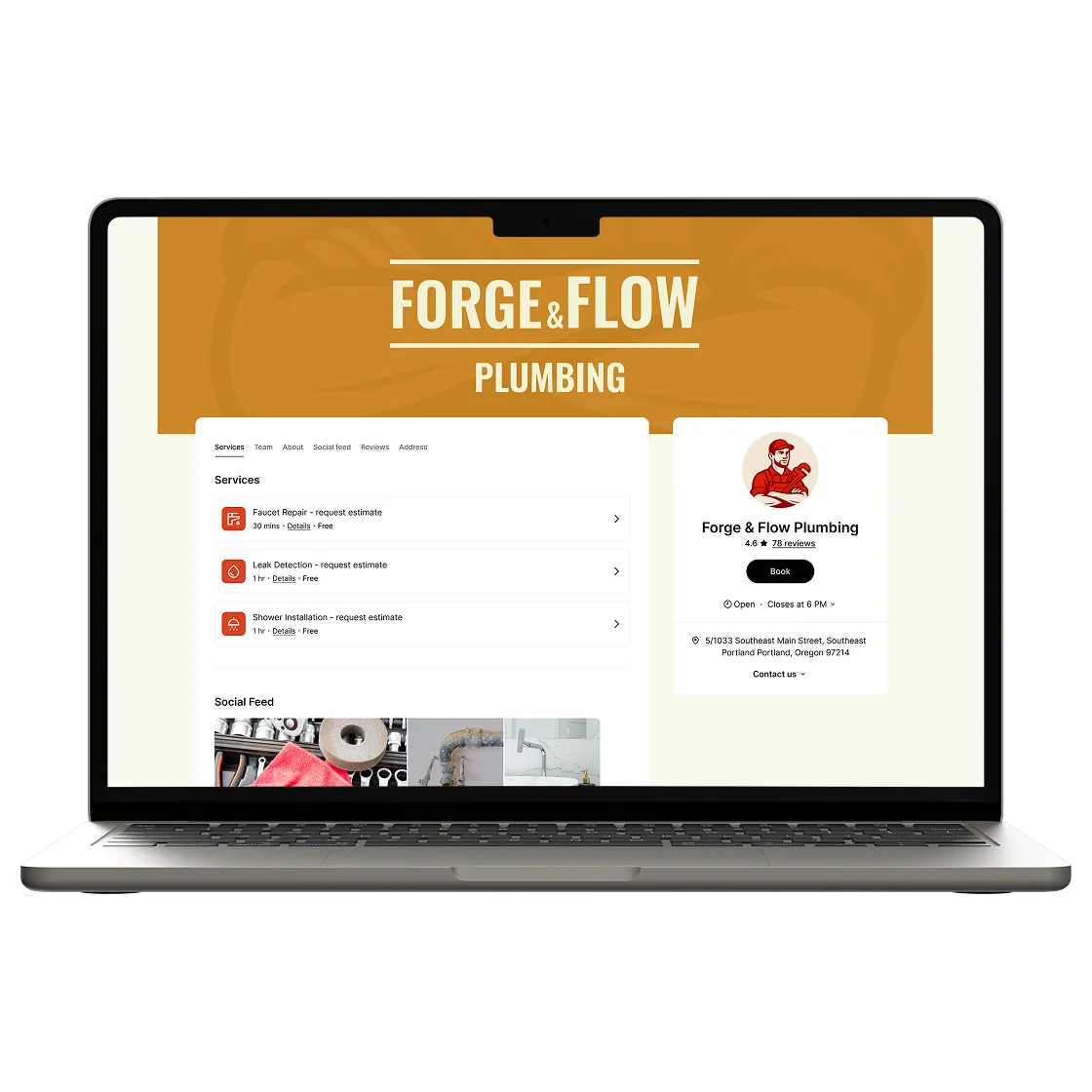
PLUGS RIGHT IN
Hundreds of integrations with Zapier.




FAQ
What is a booking widget?
It's a Book Now button you add to your website. When visitors click it, your ServiceForge Booking Page opens, and they can pick a service, choose a time, and book the job.
How do I add online booking to my website?
Start FREE, build your booking page - then head to Integrations > Booking Widget in ServiceForge, choose your button settings, and copy the code. Paste it into your website builder's embed or HTML block, or directly into your site's HTML. If someone else manages your site, you can email the code to them. Click here for our support article on how to do this.
Do I need a web developer?
No, it's easy to add without a developer. If you can paste text into your website builder, you can add your button. The simplest option is to hyperlink any text or image on your site to your Booking Page URL. If you do work with a developer, send them the code and they can add it for you.
Can I take payments through my website booking widget?
Yes. Connect Stripe and turn on Booking Page payments. You can take full payment or a deposit when customers book, then collect the balance on the job with Tap to Pay.
Can customers reschedule or cancel online?
Yes. Customers can reschedule or cancel from their confirmation email, so changes don't mean a phone call. You can set cancellation policies and minimum notice times so your schedule stays protected.
I'm not tech-savvy. Is this hard to set up?
No coding or developer is needed. When you set up your free Booking Page, your code is made and can be added to your website.
Is there customer support?
Yes, ServiceForge has 24/7 phone, chat, and email support from real people.
Can I upgrade my plan or add live answering?
Yes. Start free and upgrade anytime to add 24/7 live answering for lead qualification, and dispatch and more.