










TAP TO PAY
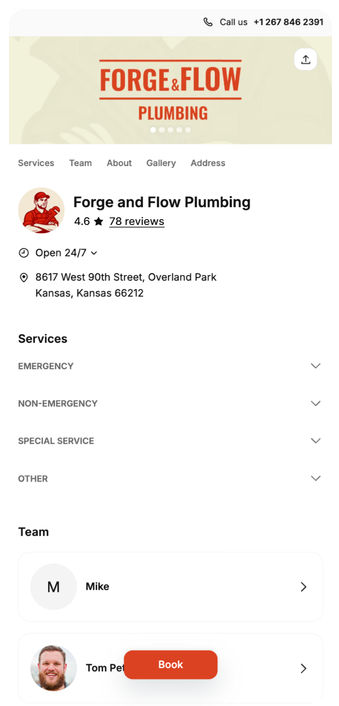
Take secure payments on the job with Tap to Pay.

GET PAID ON THE JOB
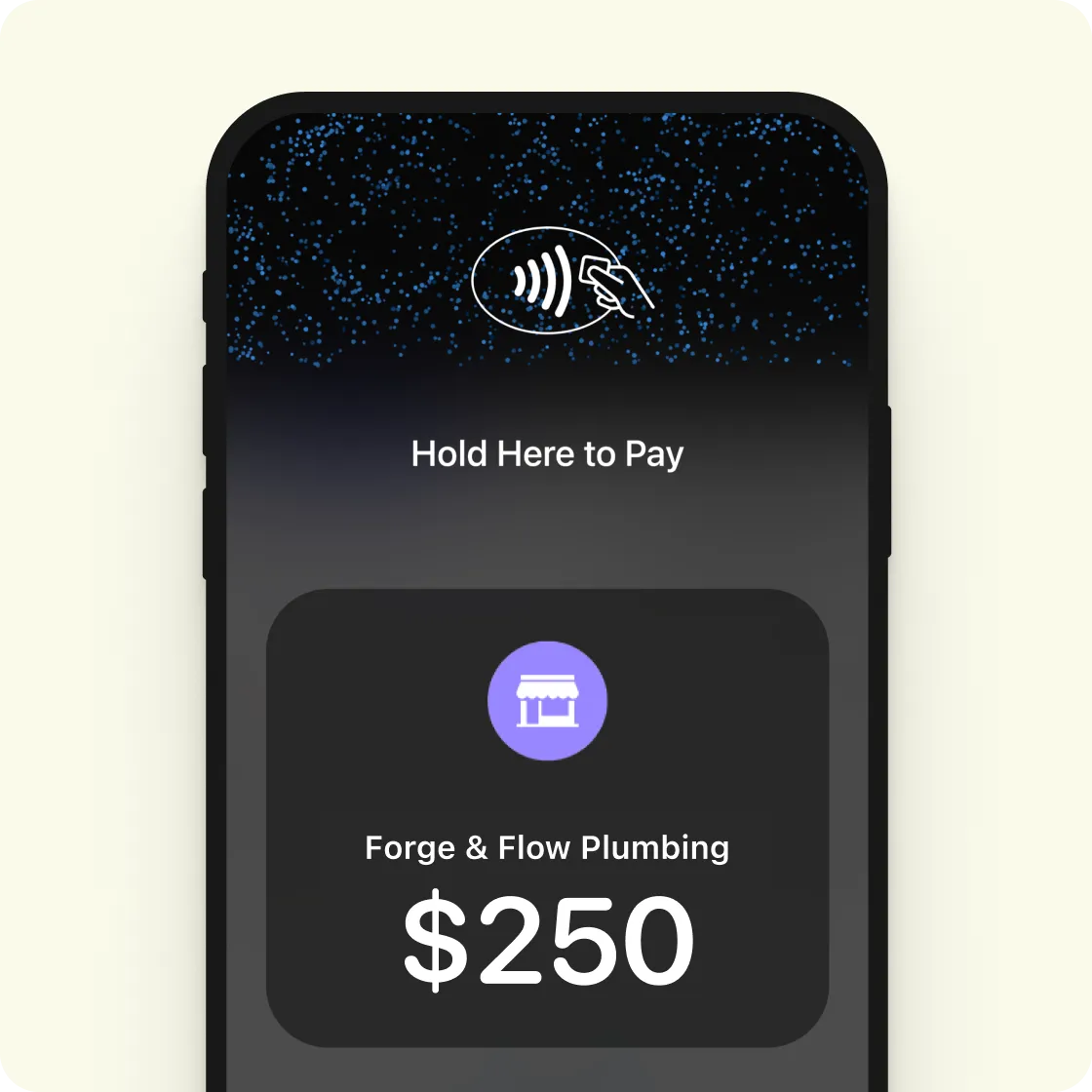
Turn your phone into a payment terminal. Customers tap their card or device to pay.
NO CARD READER NEEDED

Take secure payment

Customers tap to pay

Get paid from anywhere, fast
SECURE PAYMENT THROUGH STRIPE
Tap to Pay with Stripe is fast, easy and secure. Payments are processed through your connected Stripe account.
FREE TO START
PAYMENTS
Take payment on the job.
BOOKING PAGE
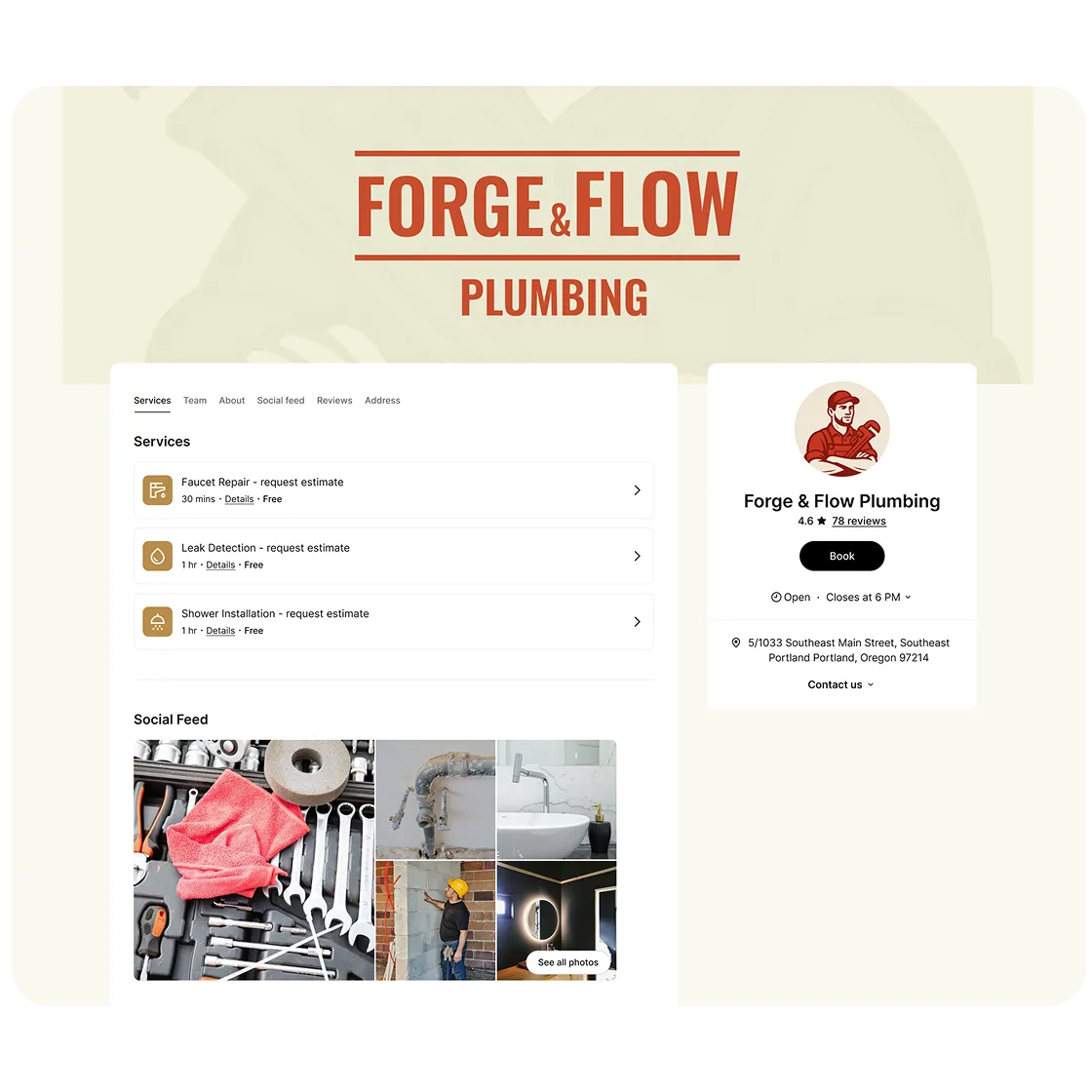
Share your link anywhere.
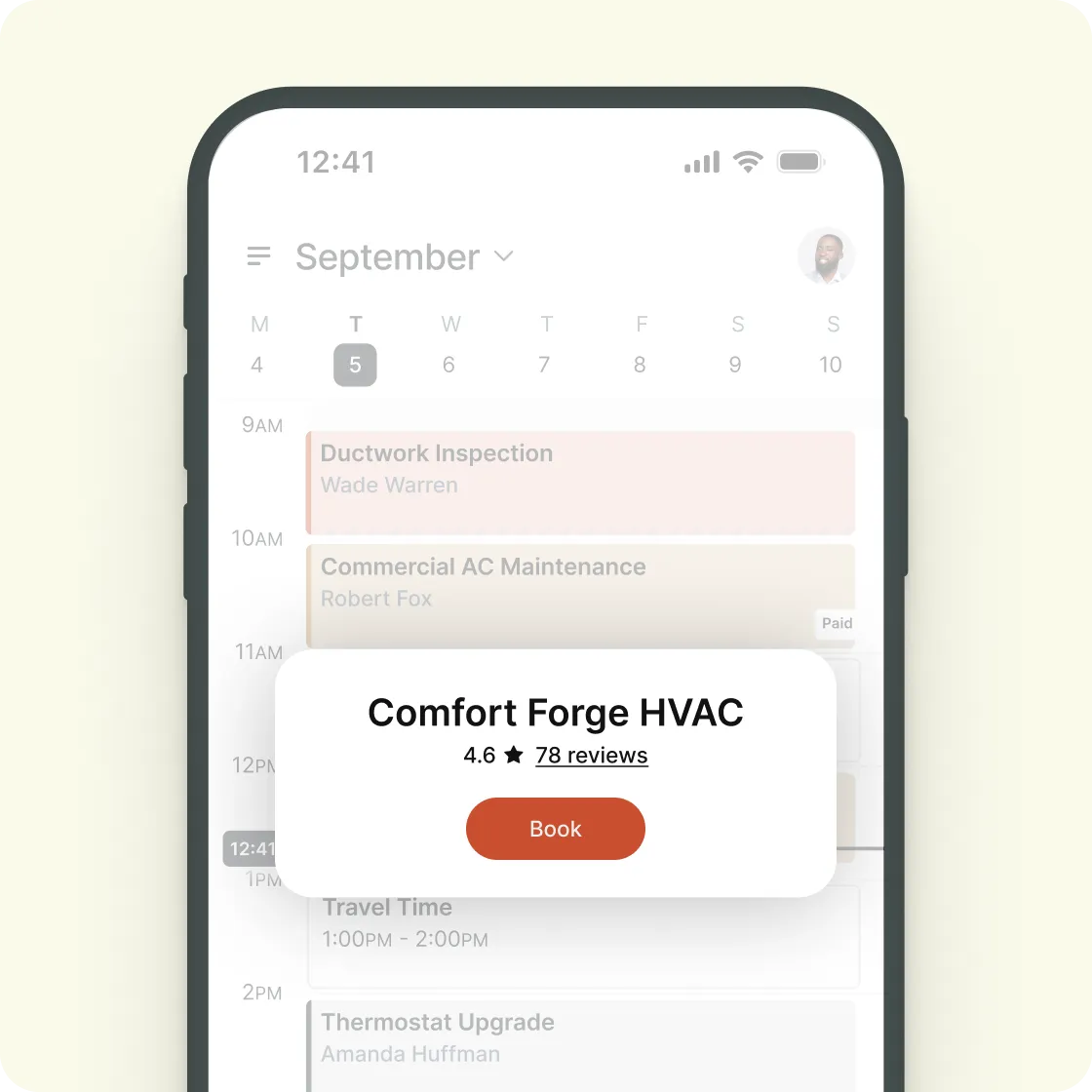
SCHEDULING
Customers book on your calendar.
FAQ
Who is ServiceForge for?
Home service companies of any size, from owner-operators to multi-truck teams, that want every call answered by real people, day and night.
How does Tap to Pay work?
Open the job in your calendar or mobile app, choose Tap to Pay, and ask the customer to tap their card or device to your phone.
Do I need a card reader?
No. Accept contactless payments on the job using just your phone. No card reader or extra hardware.
Is Tap to Pay free to use?
Yes. Payments are part of the free product when you sign up with ServiceForge. You can add your 24/7 growth team (real people!) anytime.