
ServiceForge QuickBooks Integration

QUICKBOOKS INTEGRATION

Connect ServiceForge with QuickBooks to create new leads, add messages for existing customers, and book jobs.

HOW IT WORKS

Real people answer, qualify the lead, and push the details to QuickBooks.

icon resembling no robots real human

Call or chat answered by a live receptionist

icon resembling verified contacts

Message taken and lead qualified

icon resembling triage pros

New lead created in QuickBooks

LESS ADMIN
MORE BOOKED JOBS

The integration does the work so your team can stay on the tools.

New message

Your receptionist answers a call or chat.

Create job or lead

Creates a new lead or job in QuickBooks.

Connect with Zapier

GET SET UP IN MINUTES


1. Link ServiceForge and QuickBooks via Zapier


2. Set the action and trigger


3. Every call we take becomes a job, quote, or request in QuickBooks
zsf_x_zapier

Need a hand setting up an integration?

Our human customer support team is available 24/7. Call 1-800-485-5879, email care@serviceforge.com or reach out directly in the ServiceForge app.

SEE IT IN ACTION

We'll show you how ServiceForge answers your calls and integrates into QuickBooks.
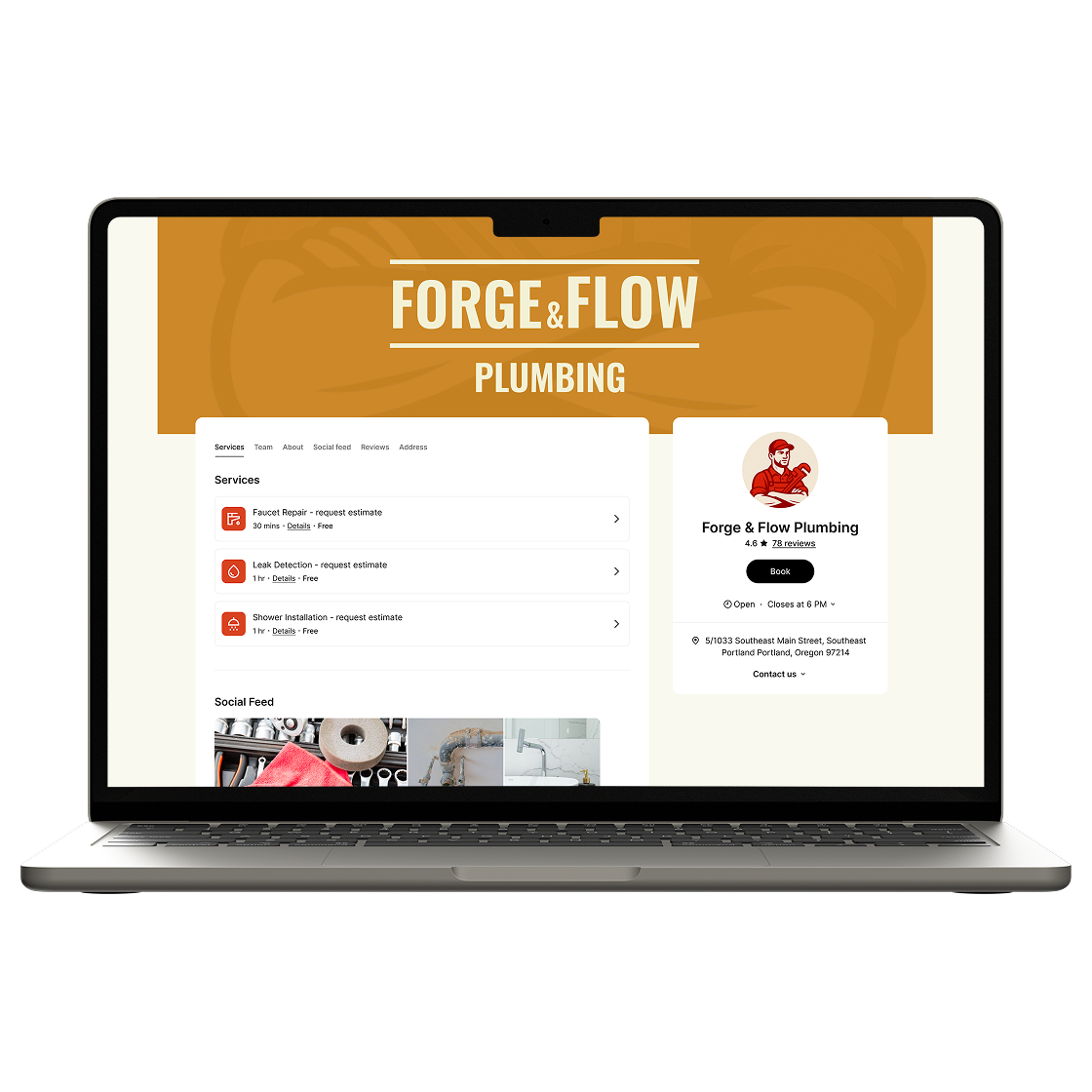
booking page mockup in ServiceForge

FAQ

What information syncs to QuickBooks?

Customer name, contact details, service address, job description and more. Fields are customizable and can be based on your needs.

Does this work with QuickBooks Online and Desktop?

Zapier integration works with QuickBooks Online. For other support integrations, please contact us.

Can I customize what gets sent?

Yes. Choose which fields populate in QuickBooks and when the sync happens.