











HOUSECALL PRO INTEGRATION
Connect ServiceForge with Housecall Pro to create new leads, add messages for existing customers, and book jobs.
HOW IT WORKS
Real people answer, qualify the lead, and push the details to Housecall Pro.

Call or chat answered by a live receptionist

Message taken and lead qualified

New lead created in Housecall Pro
LESS ADMIN
MORE BOOKED JOBS
The integration does the work so your team can stay on the tools.
New message
Your receptionist answers a call or chat.
Create job or lead
Creates a new lead or job in Housecall Pro.
GET SET UP IN MINUTES
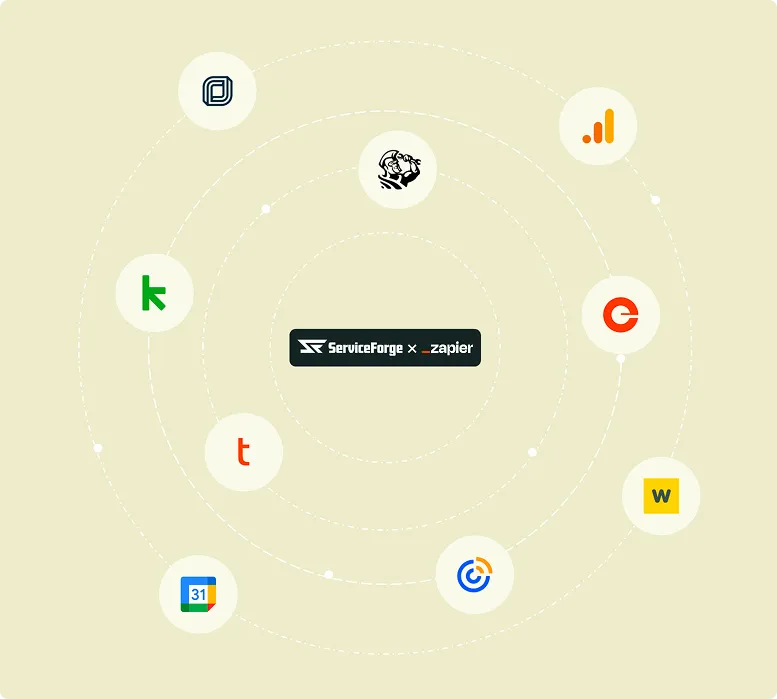
1. Link ServiceForge and Housecall Pro via Zapier
2. Set the action and trigger
3. Every call we take becomes a job, quote, or request in Housecall Pro
Need a hand setting up an integration?
Our human customer support team is available 24/7. Call 1-800-485-5879, email care@serviceforge.com or reach out directly in the ServiceForge app.
SEE IT IN ACTION
We'll show you how ServiceForge answers your calls and integrates into Housecall Pro.
FAQ
What information gets synced?
A new customer is created in Housecall Pro when your ServiceForge live receptionists qualify the lead based on your criteria. Information that can be included includes customer name, contact details, service type, problem description, urgency, and preferred times.
Can we customize what gets sent?
Yes. Map exactly what you need and skip what you don't. Change it at any time.
Does this work with our existing Housecall Pro setup?
Yes, this integration works with standard HousecallPro configurations. If you've customized heavily, we'll work with you to make sure everything works correctly.